
Getting Started
Welcome to CHF Companion.
Use the app to:
- View your weight and blood pressure.
- See how your measurements change over time.
- Keep notes about how you feel.
- Create a report to share with your doctor.
Your measurements are added automatically from your connected Withings account.
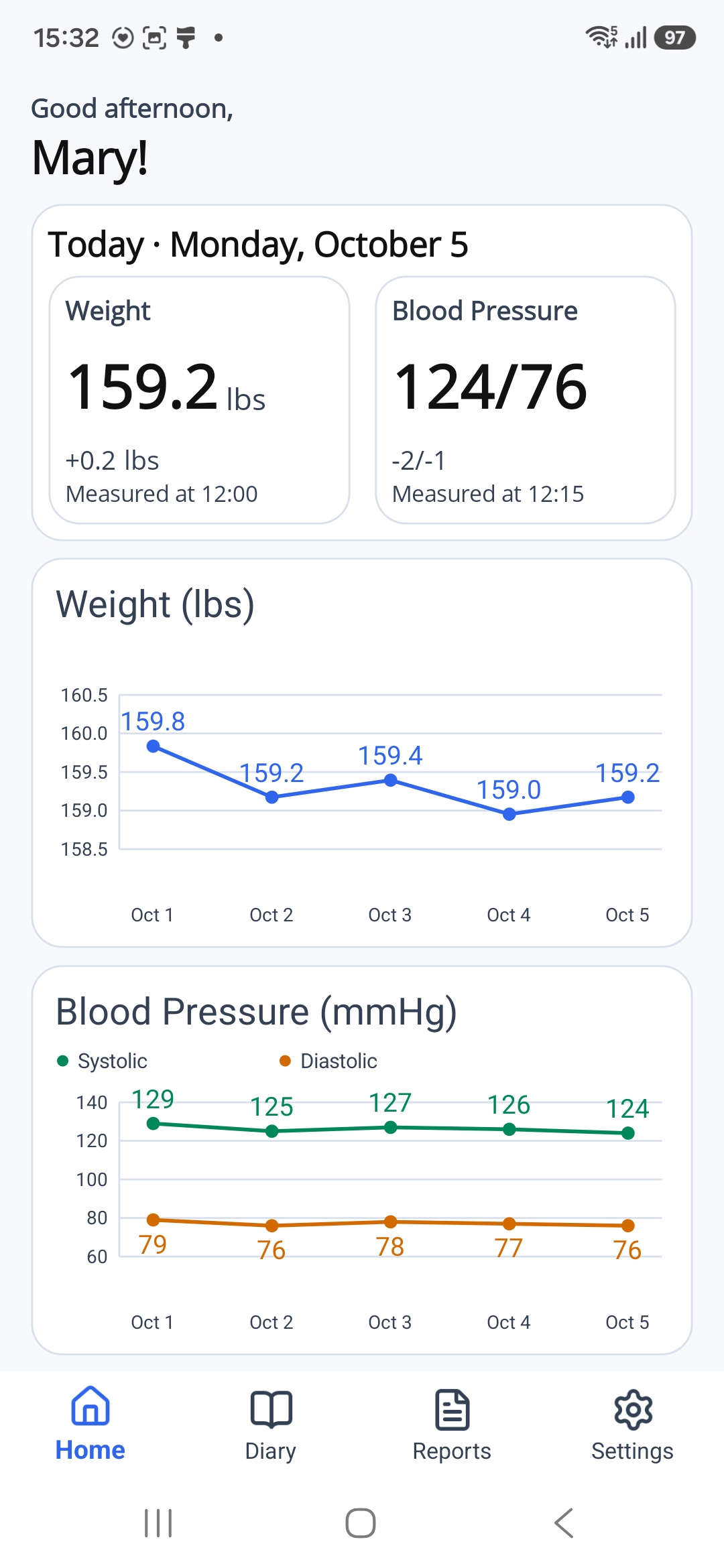
Tap or click the picture to enlarge it. Use your browser's Back button to return.
What You Need
Before you begin, make sure you have:
- A smartphone with internet access.
- An email address you can open to receive a registration code.
- A compatible Withings scale, blood pressure monitor, or both.
- A Withings account linked to your device.
Your Withings device should already be set up in the Withings app.
Your First Steps
- Install CHF Companion on your phone.
- Create your CHF Companion account.
- Connect your Withings account.
This guide will show you each step, with pictures to help you find the right buttons.